

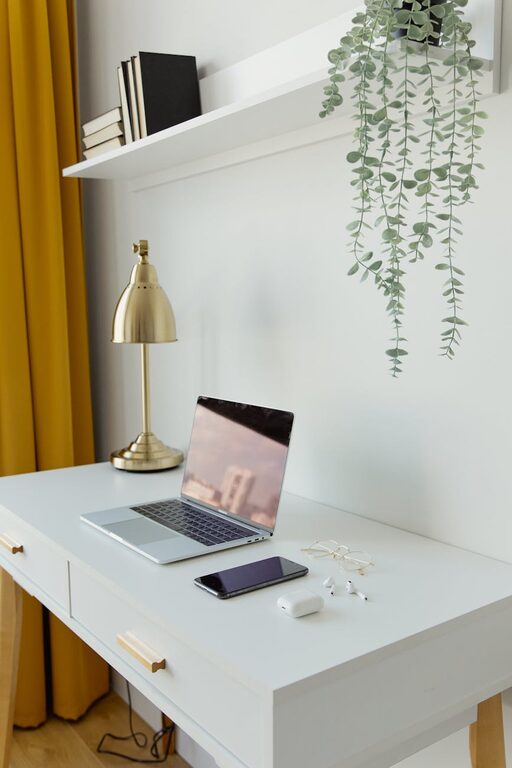
Creating a productive home office space is essential for anyone working remotely or from home. A well-organised, comfortable environment helps improve concentration, reduce distractions, and maintain a healthy work-life balance. Whether you have a dedicated room or just a small corner, these tips will guide you in setting up a workspace that supports your efficiency and wellbeing.
Choose the Right Location
Selecting the perfect spot for your home office is the first step. Ideally, find a quiet area with minimal foot traffic and background noise. A room with a door to close off distractions is best, but if that’s not possible, a corner in a low-traffic room can work well.
Factors to consider when choosing your space:
– Natural light: Sitting near a window can boost mood and energy.
– Privacy: A location away from busy household areas.
– Space: Enough room to fit your desk, chair, and necessary equipment comfortably.
Invest in Ergonomic Furniture
Comfort is key to staying productive for long periods. An ergonomic chair with good lumbar support helps prevent back pain, which can be distracting. Your desk should be the right height to keep your arms at a comfortable angle while typing.
Ergonomic tips:
– Use a chair that supports your lower back.
– Position your computer screen at eye level to avoid neck strain.
– Keep your feet flat on the floor or on a footrest.
– Consider a sit-stand desk if you prefer to alternate between sitting and standing.
Organise Your Workspace
A tidy workspace promotes focus and reduces stress. Clutter can be distracting and make it difficult to find important items.
How to keep your office organised:
– Use storage solutions like shelves, filing cabinets, or desk organisers.
– Keep only the essentials on your desk.
– Regularly declutter your space and digital files.
– Label storage boxes and folders for easy access.
Optimise Lighting
Good lighting reduces eye strain and helps maintain alertness. Natural light is best, but if that’s limited, combining ambient lighting with task lighting works well.
Lighting advice:
– Position your desk near a window if possible.
– Use a desk lamp with adjustable brightness.
– Avoid harsh overhead fluorescent lights.
– Choose bulbs with a daylight spectrum for a natural feel.
Minimise Distractions
Creating boundaries and reducing interruptions is vital for productivity.
Tips to minimise distractions:
– Use noise-cancelling headphones or play background music if it helps you focus.
– Inform family or housemates about your work hours.
– Keep your phone on silent or in another room when working.
– Use apps or browser extensions to block distracting websites during work time.
Incorporate Personal Touches
Adding personal elements to your workspace can increase motivation and comfort.
Ideas for personalising your office:
– Display inspiring artwork or photos.
– Add plants to improve air quality and create a calming atmosphere.
– Choose colours you find soothing or energising for décor.
– Include items that reflect your hobbies or interests, but avoid cluttering the space.
Manage Technology Effectively
Reliable technology is essential for efficient remote work.
Technology tips:
– Invest in a good-quality internet connection.
– Keep cables organised with clips or sleeves to avoid tangles.
– Use a separate keyboard and mouse if you have a laptop.
– Set up a printer or scanner nearby if needed.
Establish a Routine
A consistent daily routine helps train your brain to focus and creates a clear boundary between work and personal time.
Routine-building suggestions:
– Set regular working hours.
– Take scheduled breaks to stretch and refresh.
– Start your day by tidying your desk and reviewing your to-do list.
– End your day by shutting down your computer and clearing the workspace.
Prioritise Health and Wellbeing
Your home office should support both your productivity and your health.
Health tips:
– Take frequent breaks to stand, move, and rest your eyes.
– Stay hydrated and keep snacks nearby to maintain energy.
– Practice good posture while sitting.
– Consider exercises or stretches tailored for desk workers.
—
Creating a productive home office space is about blending functionality with comfort. By choosing the right location, investing in ergonomic furniture, organising efficiently, and managing distractions, you can design a workspace that helps you perform at your best every day. Remember, the ideal office reflects your personal needs and work style, so don’t hesitate to adjust these tips to suit you.
With a little planning and effort, your home office can become a place where focus and creativity thrive.