

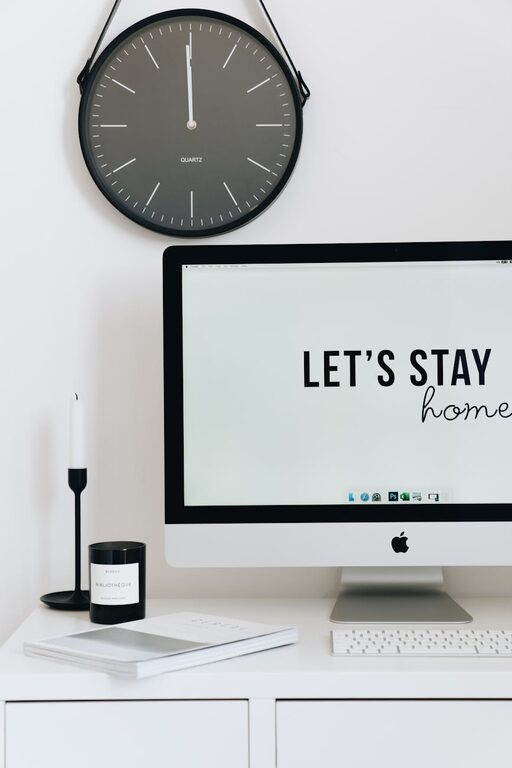
Creating a home workspace that is both organised and productive can greatly improve your work-from-home experience. Whether you’re freelancing, studying, or managing a remote job, a well-designed workspace helps reduce distractions and encourage focus. In this post, we’ll explore easy-to-implement tips that make your home workspace more efficient and enjoyable.
Why an Organised Workspace Matters
A cluttered desk or chaotic environment can quickly lead to frustration and lost time. An organised workspace helps you:
– Find things quickly
– Minimise distractions
– Stay motivated and focused
– Improve time management
– Create a work-life boundary
With the right setup, even a small corner in your home can transform into a productivity haven.
Choosing the Right Location
Consider Natural Light
Position your desk near a window if possible. Natural light has been shown to boost mood and energy levels, which can improve concentration.
Minimise Noise
If you can, pick a quiet spot away from household hustle and bustle. Soft background music or noise-cancelling headphones can also help block out distractions.
Define Your Space
Try to dedicate a specific area exclusively for work. This helps your brain associate that space with professional tasks rather than leisure.
Organising Your Desk
Declutter Regularly
Remove unnecessary items from your desk to create a clean working surface. Keep only essential tools like your computer, notepad, and pens.
Use Storage Solutions
Employ drawers, shelves, or boxes to store papers, cables, and other supplies. Label storage containers to quickly locate items when needed.
Manage Cables
Tangled cables create visual clutter and can be frustrating to manage. Use cable clips, organisers, or even simple ties to keep wires neat and out of sight.
Essential Tools and Equipment
Ergonomic Chair and Desk
Invest in a comfortable office chair with adjustable height and good back support. Your desk should allow for proper posture, ideally with enough space to stretch your legs.
Monitor and Keyboard Setup
Position your monitor at eye level to avoid neck strain. A wireless keyboard and mouse can reduce desk clutter and increase flexibility.
Lighting
If natural light isn’t sufficient, opt for a desk lamp with adjustable brightness and colour temperature to reduce eye strain.
Design and Decoration Ideas
Personal Touches
Incorporate a few personal items like plants, photos, or artwork. These can increase your comfort and make the space inviting without causing distraction.
Colours Matter
Choose calming colours like blue or green to promote focus and calmness. Avoid overly bright or distracting patterns near your workspace.
Time Management Tips
Set a Schedule
Define your working hours and stick to them. Having a routine helps establish clear boundaries between work time and personal time.
Use a Planner or Digital Tools
Keep track of tasks, deadlines, and priorities by using a physical planner or apps like Trello or Todoist.
Take Regular Breaks
Follow techniques like the Pomodoro method—work for 25 minutes, then take a 5-minute break. This helps maintain concentration and prevents burnout.
Maintain Your Workspace Daily
At the end of each day, spend a few minutes tidying your desk, organising documents, and planning your tasks for the next day. This simple routine sets you up for success each morning.
Final Thoughts
Creating a productive and organised home workspace doesn’t have to be complicated or expensive. With thoughtful planning, simple storage solutions, and good habits, you can transform any area into a space that supports your work goals and wellbeing. Remember, the key is consistency in maintaining your setup and adapting it to what works best for you.
By following these tips, you’ll be able to enjoy a tidy, efficient environment that helps you stay motivated and focused throughout your workday. Happy organising!